





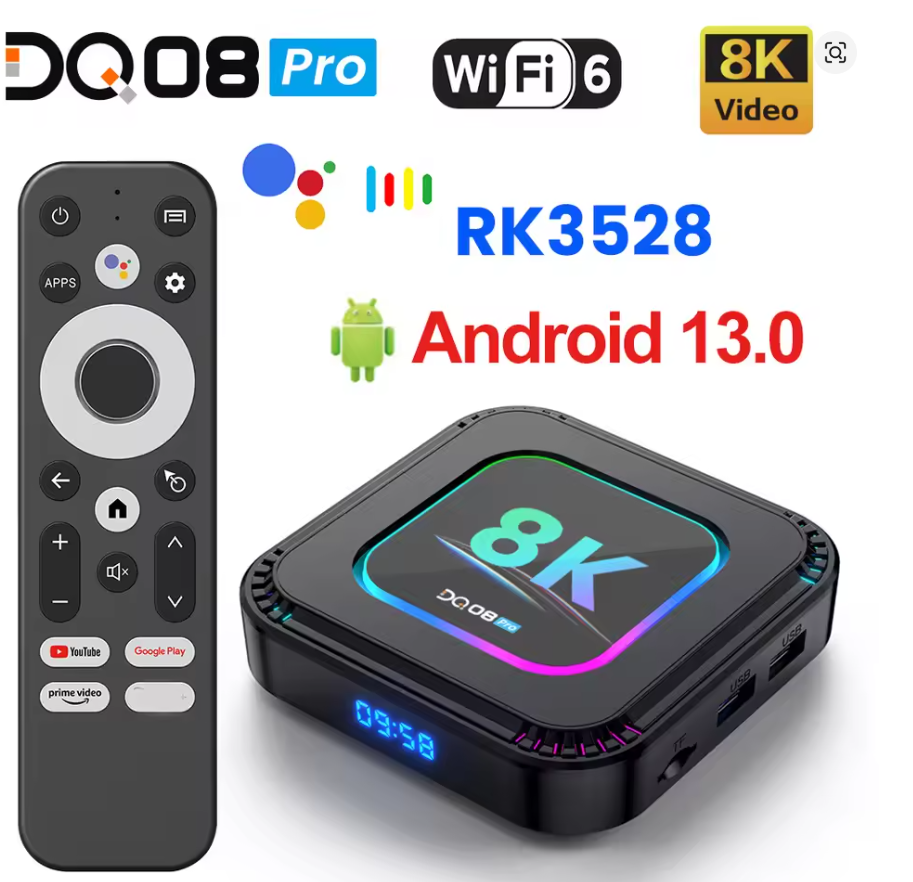


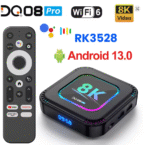



Rockchip RK3528 Quad Core ARM Cortex A53;
GPU: Mali-450;
OS: Android 13;
Storage: DDR3 2/4GB, eMMC 16/32/64/128GB;
8K Video, 4K@60fps, HDR10+, H.265;
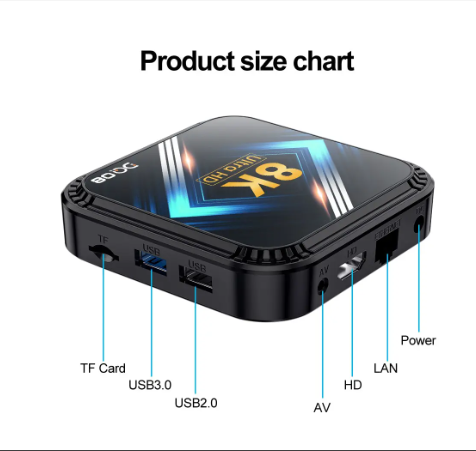
10/100M RJ45, Wifi6, BT5.0;
Software link:http://bit.ly/3SCGStQ
DQ08 Android 13 TV BOX
Smart TV Box comes with a powerful quad core cortex A53 processor that ensures smooth and seamless performance.
RK3528 High-performance CPU
With optional 2GB/4GB of memory and 16GB/32GB/64GB/128GB of ROM,making it easy to connect to the internet and enjoy your favorite content.
 Android 13.0
Experience a wider selection of applications,higher quality content,and fast response times with android 13 version of Android TV OS.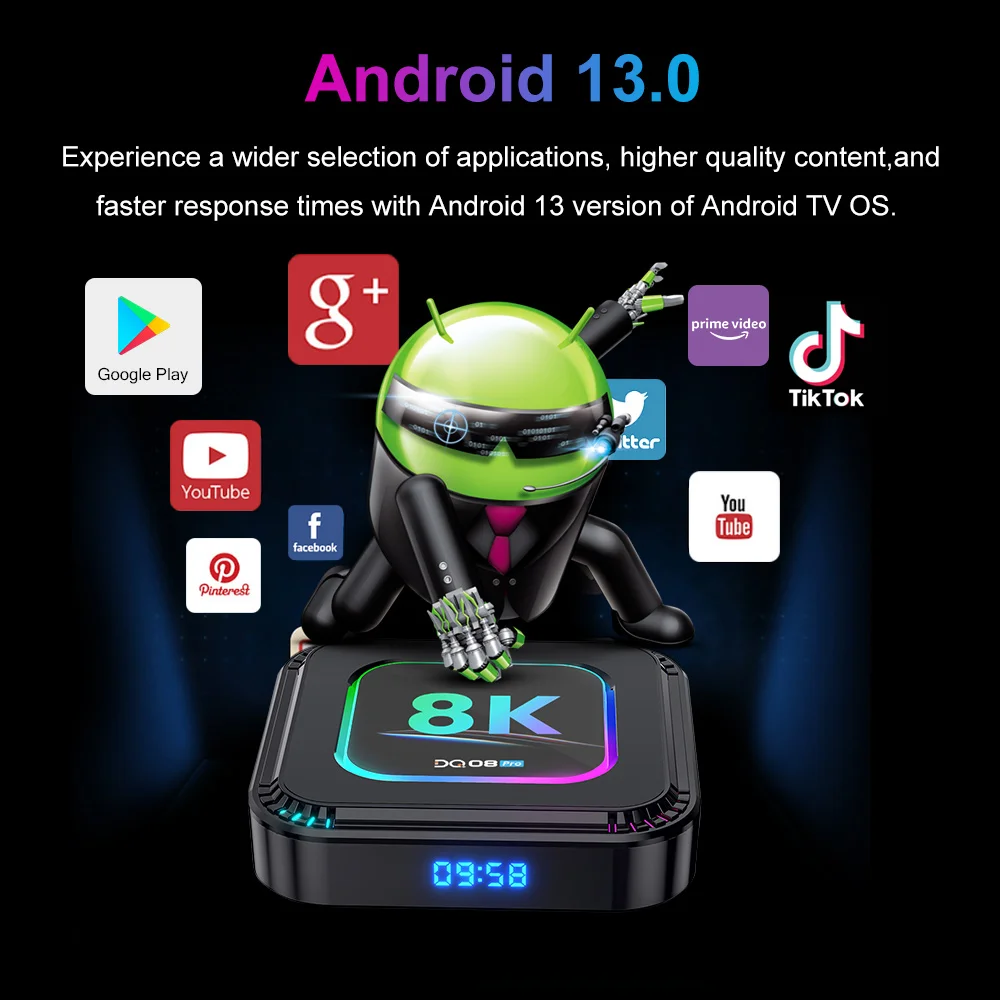 Support 8K Video
Support multi-formats video decoding,Experience crystal-clear visuals with 4k@60fps&8K video,HDR10 + , H.265 support, Make the picture display more vivid and beautiful.
 RGBLightcanbeCONTROL
RGB Control can adjust”Brightness,Speed,Colors”,By enter “setting”-RGB Control
3D Take better visual experience

Super-fast WIFI6
Experience lightning-fast WIFI6&BT5.0 for smoother streaming and gaming!

Enjoy the big screen
supports DLNA, Miracast, Airplay and lets you play games and watch action on the big screen. Support for Android phones, iphones, and computer devices, with the same screen functionality.
Voice Remote Control
Enjoy a more relaxed control experience,and let the voice remote control take you into the world of smart living.

UI Buttons Customize
-Customize UI buttons by Clicking “OK” and selecting any app logo.
-Press “ok” longtime to remove or repleace an app logo.
Wallpaper
You can set the UI background wallpaper you want according to your preferences.
-Choose the wallpaper you like from Default Wallpaper or Usb drvier;
-Click ok key to choose wallpaper,then click back on remote control;
-New wallpaper will storage;
-Exit to Main Menu can find wallpaper change sucess!
lmage format required: *,png ,1920*1080 pixels.
OTA online upgrade:
We will release the new firmware version to the server. When have bugs or new function, you can choose to upgrade online if necessary.
1.Enter Setting-System update;
2.Click“↓”,”Choose Download”;
3.When Download finished,Click “Update now”;
4.When Upgraded Sucessfully,Box will restart and enter Main menu.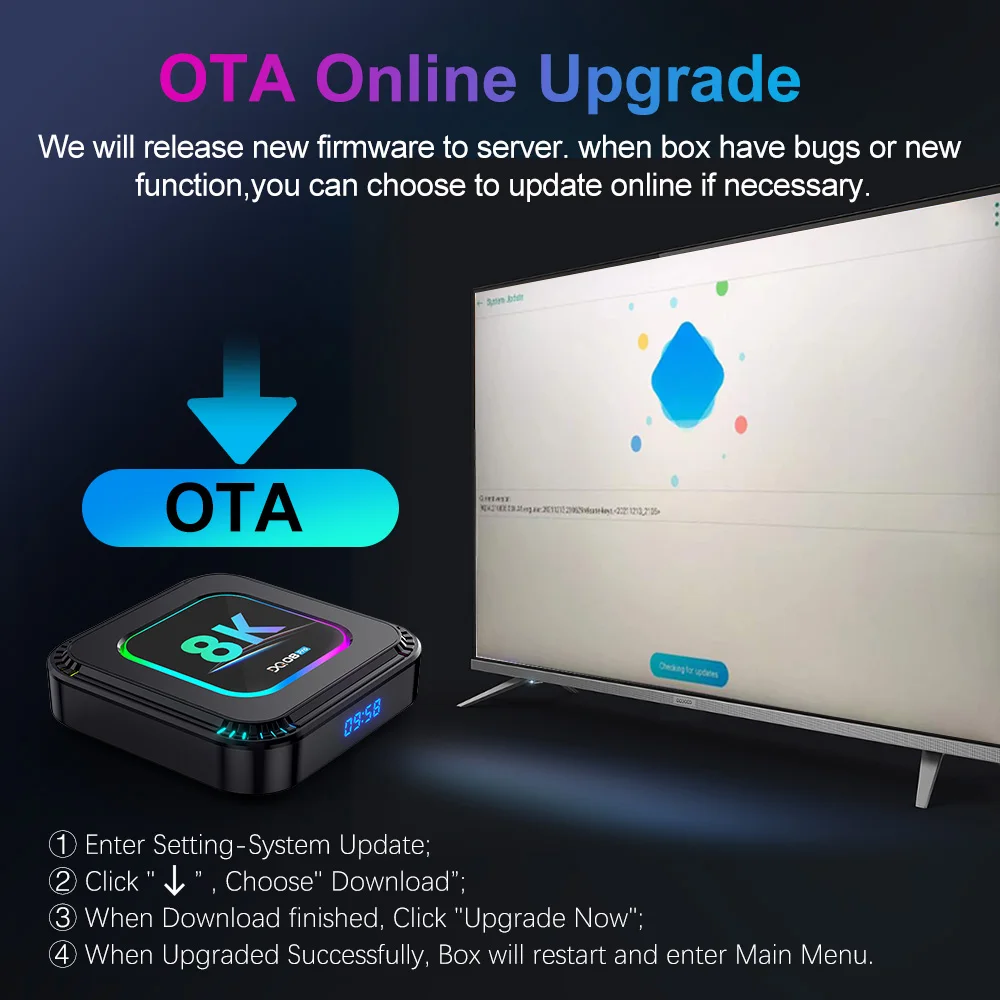


Recently Viewed


Reviews
Clear filtersThere are no reviews yet.